Adding a Contribution Manually
How to record cash, bank transfers, or un-forwarded M-Pesa payments.
BeginnerTreasurer
While KapuLetu automates M-Pesa processing via WhatsApp, you will often need to record payments made in cash or via direct bank transfer. You do this by manually adding the contribution.
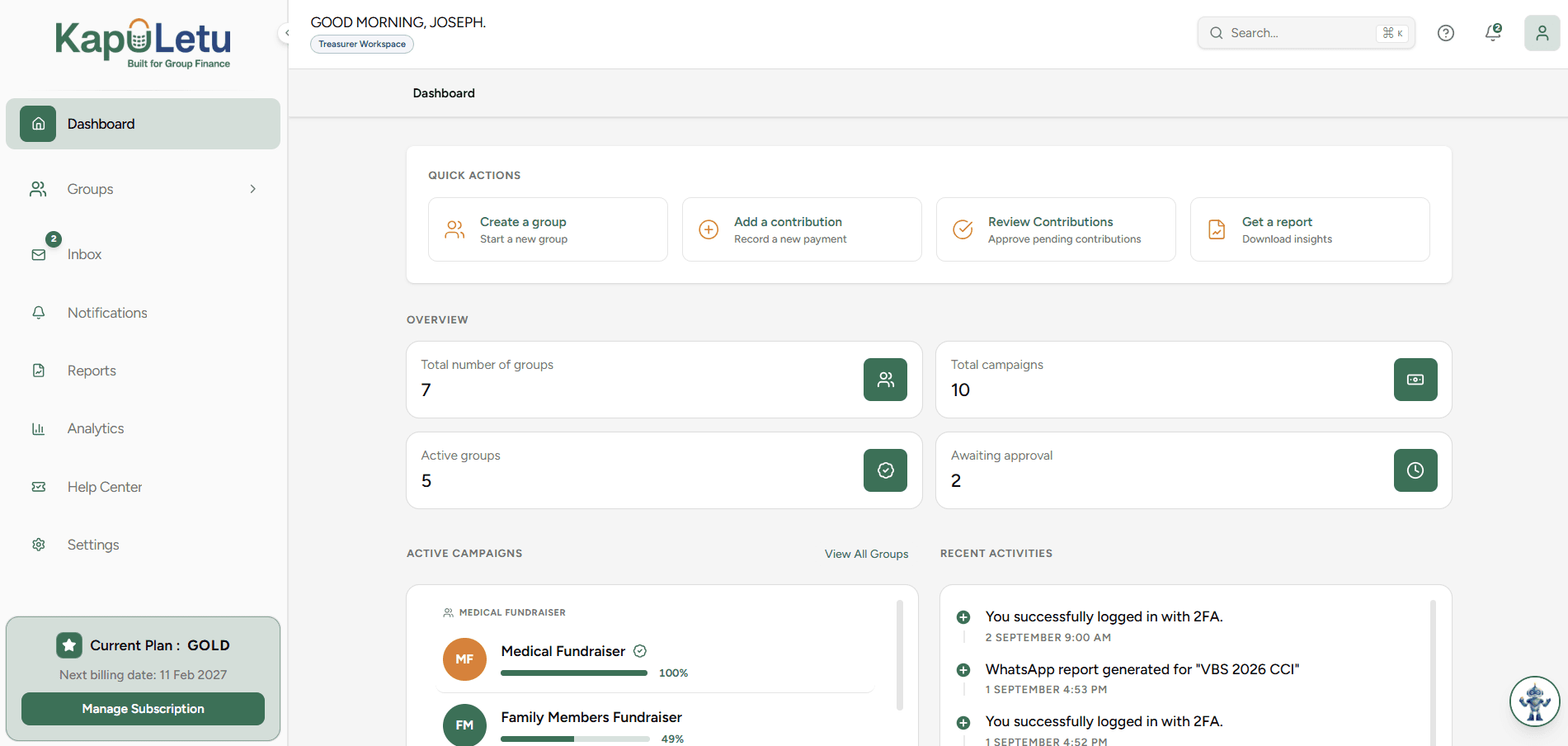
1
Manual vs Automated
Manually added contributions still go to your Inbox first! They must be explicitly approved before they affect your balances.