Understanding the Workspace
A quick tour of the KapuLetu interface and where to find key treasury tools.
Beginner3 minTreasurer
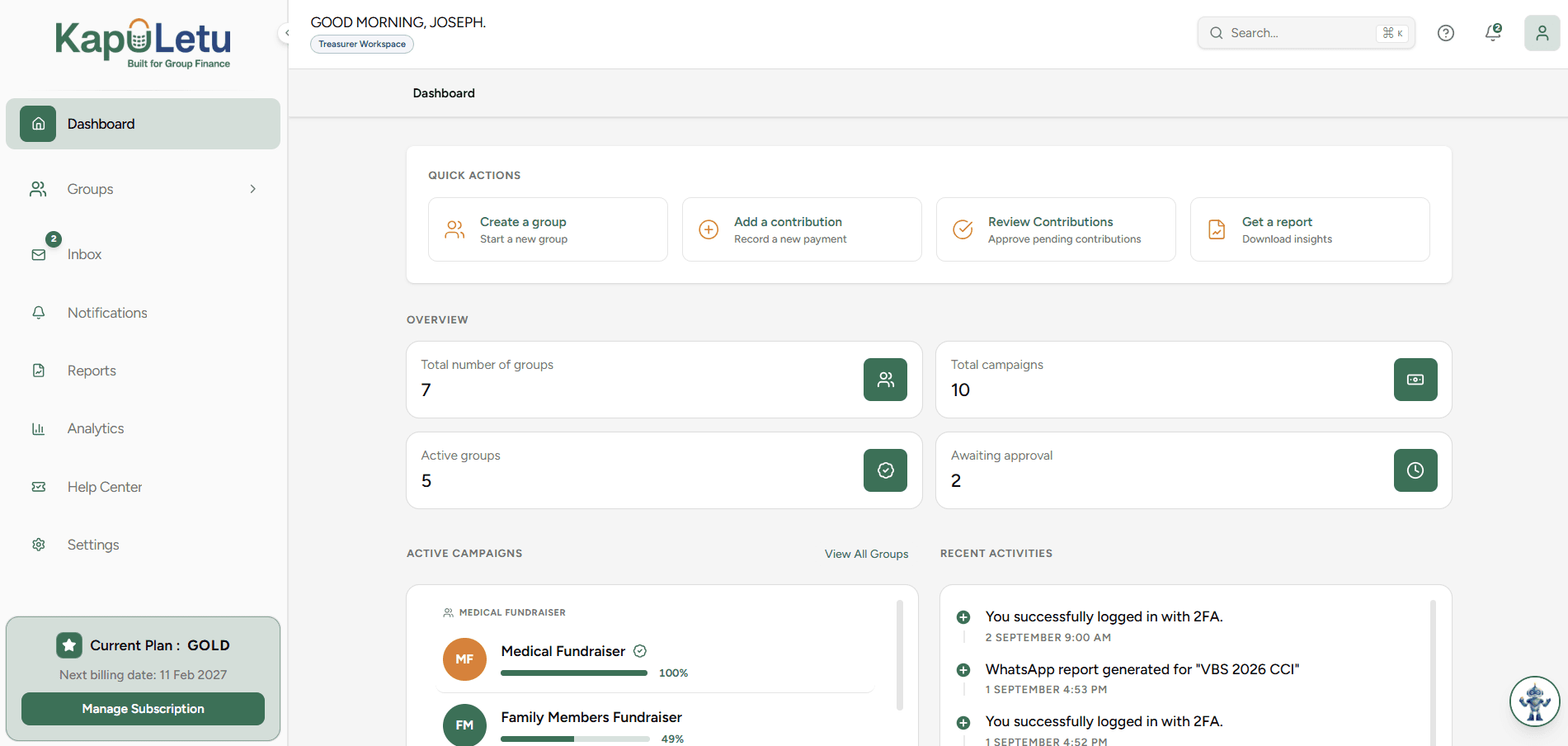
The KapuLetu workspace is designed around the natural workflow of a treasurer. Instead of hunting through menus, everything is organized into a logical flow from left to right, top to bottom.
The Interface Layout
Click through the steps below to explore the main areas of your dashboard:
1
Navigation Map
Here is how the core tools relate to each other:
                  DASHBOARD
                      │
       ┌──────────────┼──────────────┐
       │              │              │
     Groups       Activities     Contributions
       │              │              │
       └──────────────┼──────────────┘
                      │
                  Treasury
                      │
          ┌───────────┼───────────┐
          │           │           │
        Reports     Expenses     Ledger
Ready to set things up?
Now that you know your way around, let's complete your first treasury workflow.
Next: Your First 30 Minutes →Was this helpful?