Approving a Contribution
How to finalize a contribution and commit it to the ledger.
BeginnerTreasurer
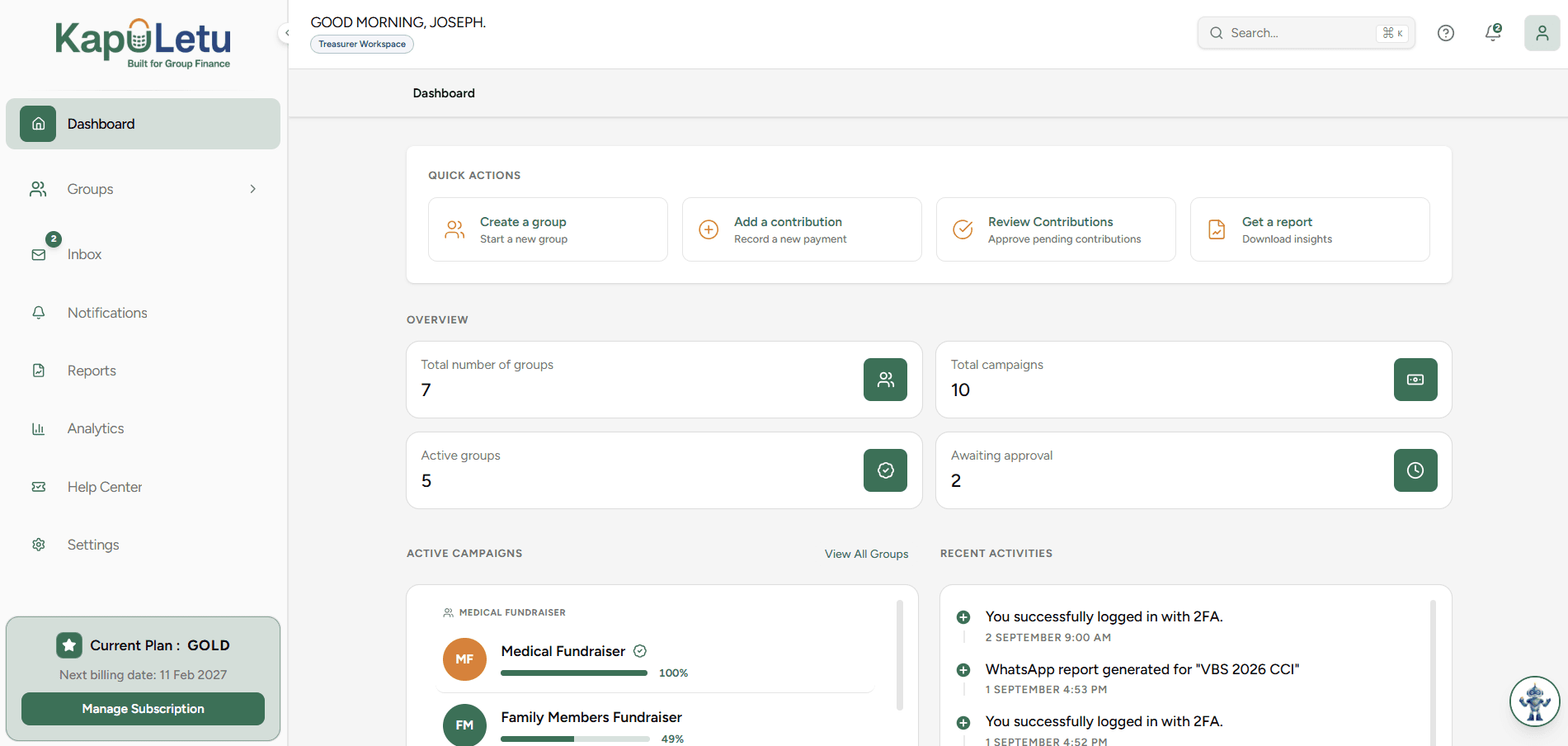
Approving a contribution is the final step in the collection lifecycle. By clicking approve, you are officially acknowledging receipt of the funds and locking the record into your group's financial history.
1
Approval is Permanent
Once a contribution is approved, it is moved to the Ledger. While you can still edit it later with Admin privileges, all post-approval edits are permanently tracked in the audit log.