Reviewing Contribution Details
How to inspect pending contributions in your Inbox.
IntermediateTreasurer
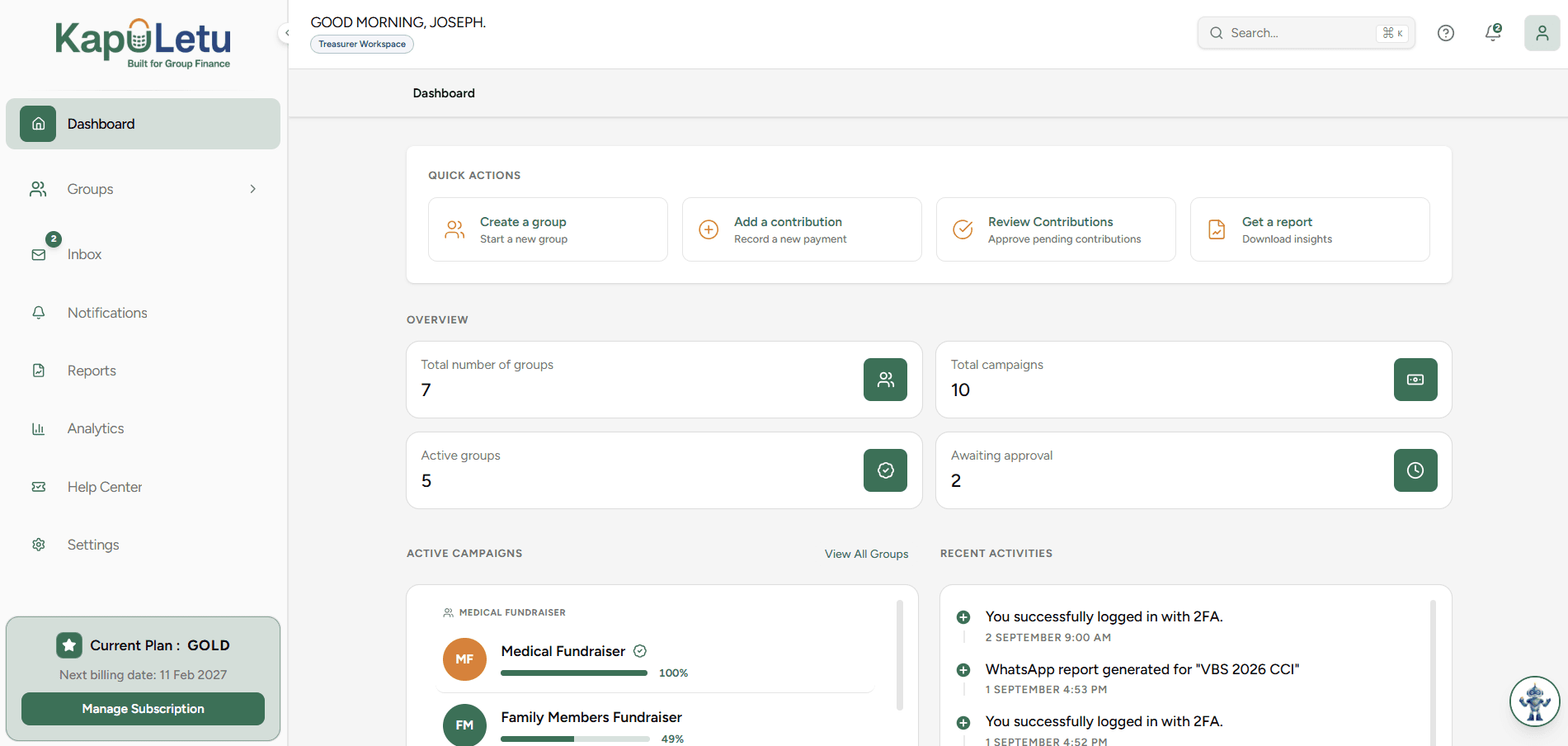
When M-Pesa messages are forwarded to KapuLetu, the bot extracts the information and places a pending record in your Inbox. It is your job as the treasurer to review these details for accuracy before accepting the money into the ledger.
1
Unrecognized Numbers
If the sender's phone number doesn't match any member in your group, the contributor field will be blank. You must manually assign the member during your review!